Rust black holo & scene filter simulator
Drag the slider over real Rust frames to compare normal colors with the PixelForge Snow, Desert, Green, Metro and Night Vision looks, then switch the red holo sight to Black Holo. Nothing to download.
Scene filters
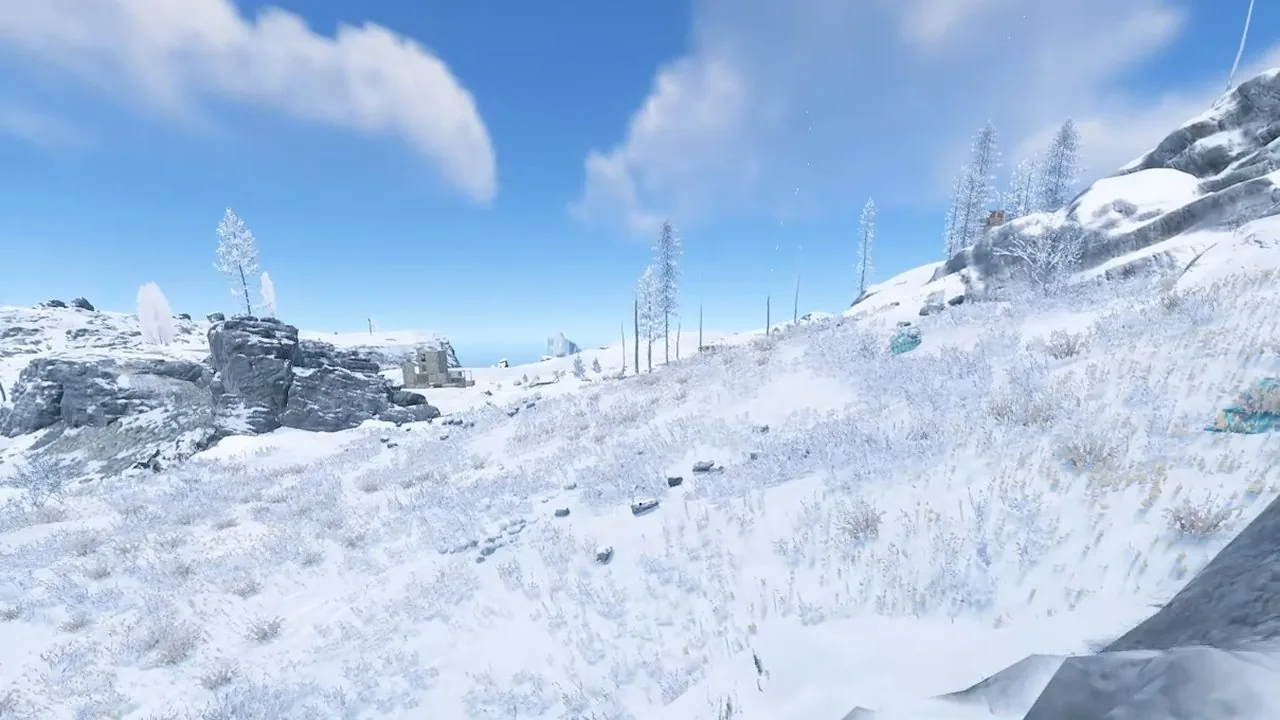
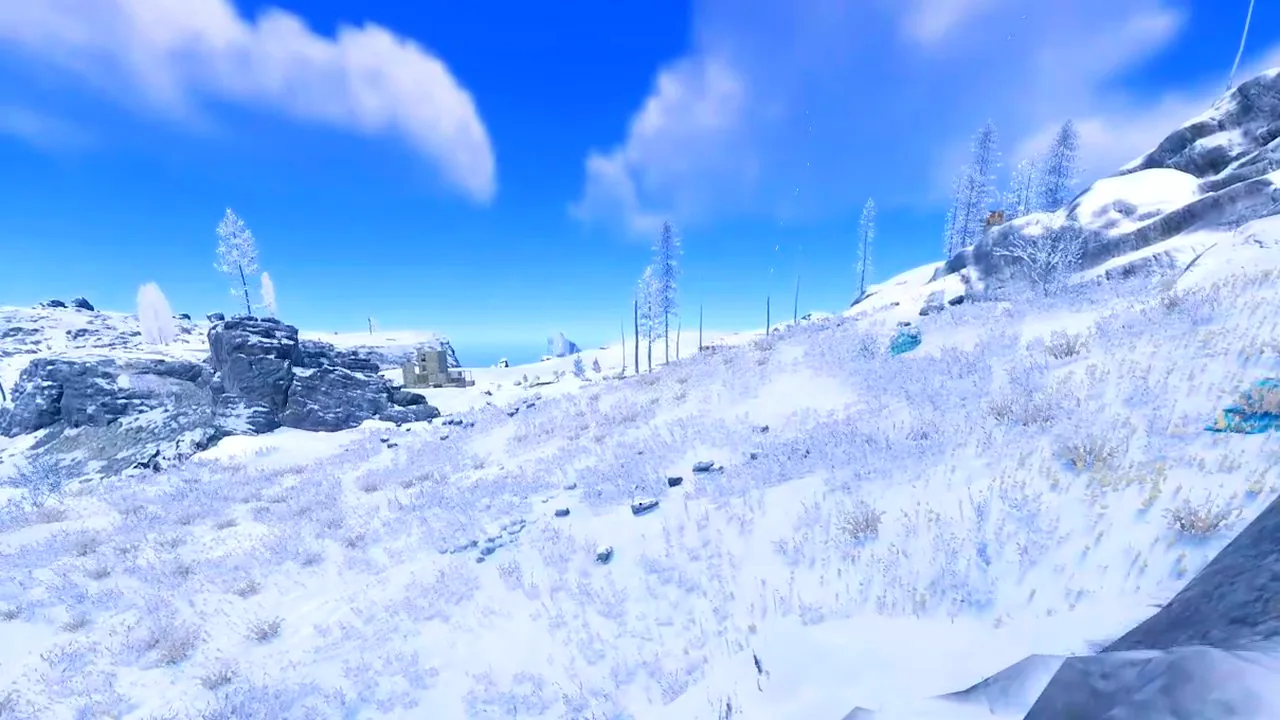 NORMALSNOW LOOK
Real before and after frames from the PixelForge app.
Holo sight
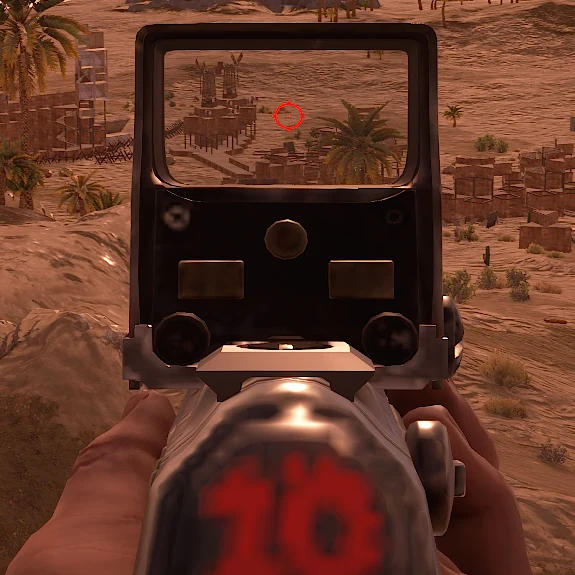
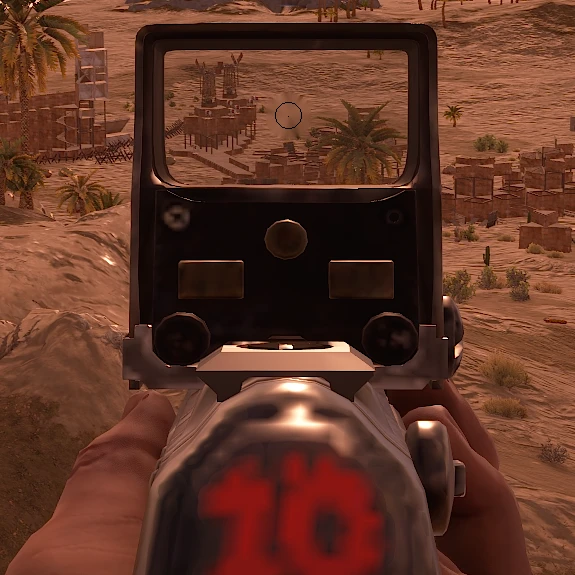
In the app, Black Holo turns on only while you hold right mouse, and only the spot around the dot changes.
Get these looks on your own screen
Log in with Discord and get a free 24-hour trial key. Works on Windows 10 and 11, no install.
How the simulator works
The Snow, Desert, Green and Metro frames are real screenshots taken before and after the PixelForge look. Night Vision is shown on a real Rust night frame with a browser preview of the shadow lift, so the real app result can differ slightly. The holo pictures are a real Rust holo sight with the red reticle and the Black Holo version.
- Learn more: Rust scene filters, Rust night vision, Rust black holo.
- PixelForge works on the Windows display and overlays only. No game injection, no game files changed, no memory reading.